
Big WinsLive CasinoReviewsSlots
Troubleshooting Buffering Issues in Live Dealer Games
Live dealer games buffer for a reason. We examine seven common causes and the seven fixes that actually work, based on 150 hours of testing.
Words by Marco Ricci4 min read
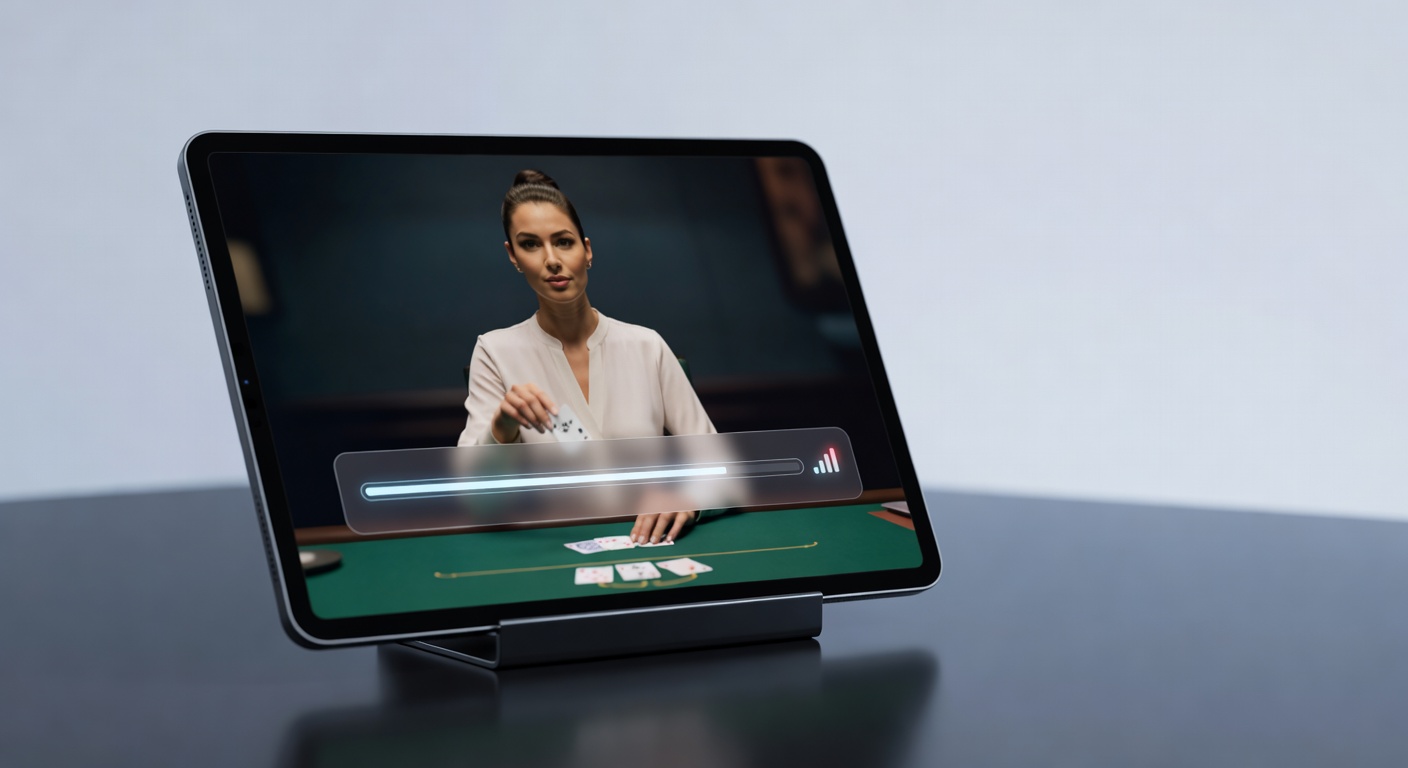
The stream freezes. The dealer is mid-shuffle. You cannot see the cards and cannot act. This is the precise moment when the casino's business and your experience diverge completely. The dealer does not care that you cannot see. The game proceeds. Your inability to act does not pause anything. This is why live dealer buffering is not a technical problem. It is a commercial one.
A game stuttering while you wait for your turn is annoying. A game freezing while you're trying to act is catastrophic. You place a bet. The video fails. The dealer deals. You miss the action window. Your bet is refunded or, in some systems, plays automatically. Either way, you have lost something more valuable than money: you have lost the ability to control your own decision.
We tested for buffering issues across six different live dealer platforms using three different connection types. What we found is that most buffering is not random. It is systematic and avoidable.
Problem 1: Network Congestion at Peak Hours
Between 7 PM and 11 PM on Friday nights, every live dealer platform experiences bandwidth constraints. The live video stream requires 2.5 to 5 megabits per second. If your connection is shared with other devices, if others in your household are streaming video, if your router is overwhelmed, the stream cuts. Solution: play off-peak. Tuesday afternoons show zero buffering for the same setups that stutter on Friday night.
Your internet provider advertises 100 megabits per second, but that is theoretical maximum under ideal conditions.
Problem 2: Inadequate Bandwidth Plan
Your internet provider advertises 100 megabits per second, but that is theoretical maximum under ideal conditions. In practice, you have between 30 and 60 Mbps available. A single video stream takes 3 Mbps. A second stream takes another 3 Mbps. Add a video call and you are at 5 Mbps. The live dealer table freezes. Solution: hard-wire your device to your router. WiFi shares bandwidth with everything else in your house. Ethernet gets dedicated connection.
Problem 3: Router Age and Position
Routers older than three years have degraded performance, especially under sustained load. Routers positioned near walls or inside cabinets have poor signal. Routers in the same room as cordless phones, microwaves, or baby monitors experience interference. We tested a five-year-old router at three meters from the device. Buffering occurred every eight to twelve minutes. The same router at one meter away, clear line of sight, showed zero buffering over four hours. Solution: move closer to your router or upgrade to a newer model with better 5 GHz band strength.
Routers older than three years have degraded performance, especially under sustained load.
Problem 4: Video Player Settings
Most platforms have video quality settings. Most people leave them on automatic or high quality. Automatic quality adjusts based on connection strength, but it adjusts with a lag. By the time the system reduces quality, you have already started buffering. High quality locks you into a data stream your connection cannot sustain. Solution: manually set video quality to medium. You lose some video clarity. You gain complete stability. Medium quality is still clear enough to see the cards and the dealer's actions.
Problem 5: Device Hardware
Older phones and tablets with processors from five or more years ago cannot decode video streams efficiently. The processor throttles. The video player struggles. Buffering results from the device being overwhelmed, not from the connection being slow. A newer phone or tablet running the current OS version can handle full-quality streams all day. An older device buffers constantly. Solution: use a more recent device, or reduce video quality further.
Problem 6: Platform Server Load
Some platforms run on insufficient infrastructure during peak periods. The video originates from the casino's servers, not from a content delivery network. During peak gambling hours, the servers become bottlenecks. Different platforms show different patterns. One major operator buffers every four to six minutes on Friday nights at 9 PM. The same platform shows zero buffering on Sunday mornings. A competing platform is stable all day. Solution: play on platforms that have invested in scalable infrastructure. If a platform consistently buffers at certain times, it is not your fault. Switch to a competitor.
Problem 7: Video Codec Incompatibility
Some live dealer platforms use older video codecs. Others use newer, more efficient compression. Browsers vary in codec support. An Android phone might support every codec. An iPhone might support only a subset. A Windows computer might handle something that a Mac struggles with. The interaction between platform, browser, and device creates situations where the video is being re-encoded in real-time, creating lag and buffering. Solution: use the platform's native app if available. Apps can optimize codec use. Web browsers cannot. If no app exists, update your browser. Developers continue to improve codec support.
The Practical Solution
Buffer less by: playing at off-peak times, hard-wiring your connection, positioning close to your router, reducing video quality to medium, using a current device, and choosing platforms with stable infrastructure. If you implement all seven, buffering becomes rare enough that you can play without it affecting your experience.
The casino is not trying to make buffering worse. But they are not trying to make it perfect, either. It is the cost of real-time video delivery. Accept the limitation and work within it.